Follow-ups · Workflow guide
WhatsApp automation for clinics: bookings, reminders and follow-ups done right
How clinics can use WhatsApp to book appointments, send reminders and follow up with patients, with consent, approved templates and a shared team inbox.
Updated
The short answer
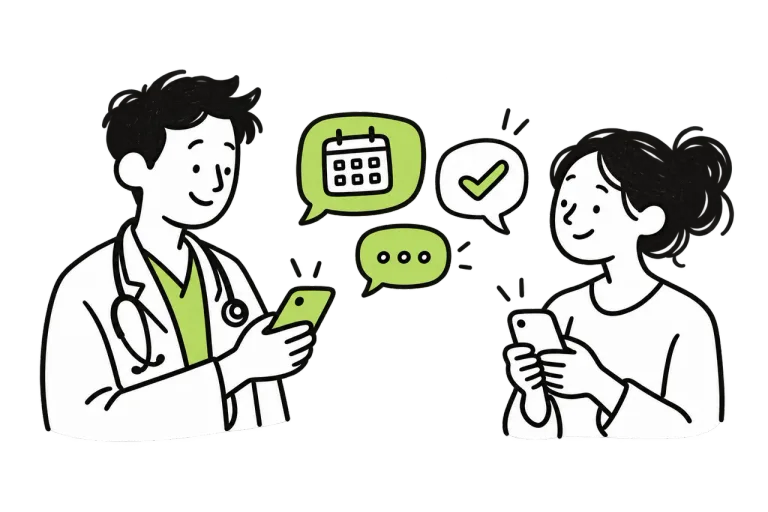
Use the WhatsApp Business Platform rather than a staff member’s personal phone. Get patients’ opt-in, use approved templates for reminders and follow-ups, reply to incoming messages instantly with available slots, and pass anything clinical to staff. Automate confirmations, reminders, reschedules, recalls and review requests, and keep a shared inbox so the whole team can see every conversation.
WhatsApp Business app vs WhatsApp Business Platform
Many clinics start with the free WhatsApp Business app on one phone. It works for a single receptionist but breaks down as messages grow.
| WhatsApp Business app | WhatsApp Business Platform | |
|---|---|---|
| Who replies | One phone and a small number of linked devices | A shared inbox for the whole team |
| Automation | Greeting, away messages and quick replies | Full automation through a connected provider |
| Reminders you start | Sent by hand | Approved templates sent automatically |
| Connection to your schedule | None | Can offer and book real slots |
| Best for | A small single-doctor practice starting out | Clinics and hospitals with steady message volume |
Know the two message rules
When a patient messages you, you can reply freely for 24 hours after their last message. To start a conversation yourself, such as a reminder or recall, you must use a message template approved by Meta, and the patient must have opted in to receive messages from you. Templates are charged per message, so check current rates with your provider.
What to automate on WhatsApp
These are the conversations that benefit most.
- Instant replies to new enquiries, with available slots
- Booking confirmations with date, time, doctor and map link
- Reminders the day before and a few hours before
- One-reply rescheduling and cancellation
- Recalls for patients due for a follow-up
- Review requests after the visit
- Administrative notices such as report collection or changed timings
Example messages you can adapt
Keep messages short, specific and free of clinical detail.
- Confirmation: “Your appointment with Dr Rao is booked for Thursday 14 November at 6:30 pm. Reply 1 to confirm or 2 to reschedule.”
- Reminder: “Reminder: your appointment is tomorrow at 6:30 pm. Reply 2 if you need a different time.”
- Recall: “You are due for your follow-up visit. Reply with a day that suits you and we will share available times.”
- Review: “Thank you for visiting today. If you have a minute, you can share feedback on Google here: [link]”
Consent and patient privacy
Ask for consent to message at booking, record it and honour opt-outs immediately. Patient contact details and health information are personal data under India’s Digital Personal Data Protection Act, 2023, so use them only for the purpose the patient agreed to. Do not put diagnoses, test names or results in reminders, because notifications appear on lock screens and shared phones.
Mistakes that get clinics into trouble
Avoid these when scaling WhatsApp.
- Bulk messaging from a personal or Business app number, which risks the number being restricted
- Sending promotional broadcasts to patients who only agreed to reminders
- Letting messages sit unanswered because no one owns the inbox
- Treating a patient’s “yes” as a confirmed booking before the slot is checked
- Giving medical advice over chat instead of passing the question to the doctor
Frequently asked questions
Can clinics send appointment reminders on WhatsApp in India?
Yes, with the patient’s opt-in and using approved message templates on the WhatsApp Business Platform. Keep reminders administrative and avoid sensitive health information.
Can patients book appointments through WhatsApp automatically?
Yes, when WhatsApp is connected to your schedule. The flow offers available slots, records the booking and sends a confirmation, with staff handling exceptions.
Will my clinic’s WhatsApp number get banned?
Numbers are most often restricted for unsolicited bulk messages and frequent user reports. Message only patients who opted in, use the Business Platform for volume and keep messages useful.
How much does WhatsApp automation cost?
There are two parts: the software or provider you use, and Meta’s per-message charges for template messages. Replies within the 24-hour window after a patient’s message cost less. Check current Meta rates with your provider.