Hospitals · Workflow guide
Hospital front-desk automation: what to automate in a 50-bed hospital
A practical guide to automating a mid-size hospital’s front desk: calls, OPD bookings, WhatsApp, reminders and enquiries, and what must stay with staff.
Updated
The short answer
In a 50-bed hospital, automate the repetitive front-desk work: answering routine calls in patients’ languages, OPD bookings across departments, WhatsApp replies, confirmations and reminders, rescheduling, report-ready notices and daily summaries. Keep patients at the desk, admissions, billing and insurance exceptions, admitted-patient enquiries and anything clinical with staff. Paperwhale runs this setup at three 50-bed hospitals.
Why the front desk is the bottleneck in a mid-size hospital
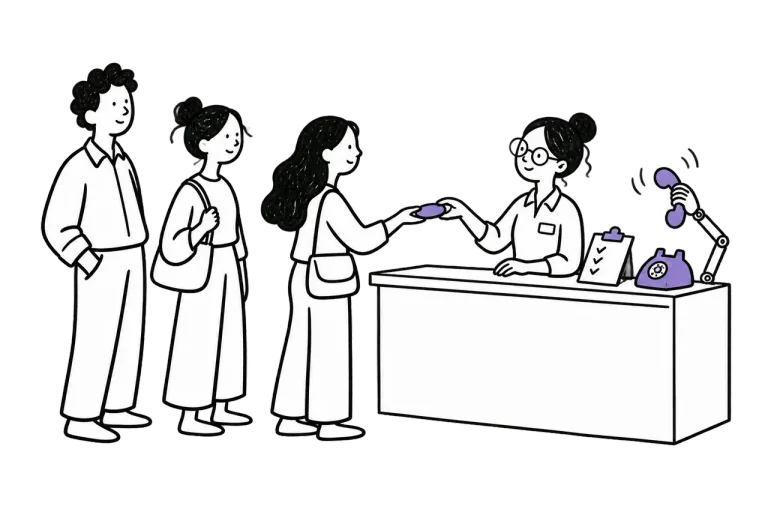
A 50-bed hospital usually runs a busy OPD across many specialties with a small front-desk team. The same people answer the phone, register walk-in patients, manage OPD queues, answer relatives and coordinate with billing. When the desk is full, the phone rings out, and every unanswered call is a patient who may book elsewhere.
Automation is not about replacing that team. It moves the predictable work, which is most of the phone and message traffic, off the desk so staff can deal with the patients in front of them.
What to automate, and who still owns it
Each automated task still has an owner who sets the rules and handles exceptions.
| Task | How it is automated | Who owns it |
|---|---|---|
| Routine calls | AI receptionist answers timings, fees, directions and visiting hours | Front-desk lead keeps information current |
| OPD bookings by phone | AI receptionist books into department schedules or records requests | Front desk confirms requests that need a check |
| WhatsApp enquiries | Instant replies with department and doctor slots | Front desk handles handed-over chats |
| Confirmations and reminders | Sent automatically after booking and before the visit | Front desk |
| Rescheduling and cancellations | Patient changes the slot by reply or call | Front desk reviews exceptions |
| Report-ready notices | Administrative message when a report can be collected | Lab and radiology teams |
| Daily summary | Calls, bookings, handoffs and no-shows by department | Hospital administrator |
What must stay with people
These need a person every time.
- Patients and relatives at the desk
- Admissions, discharges and bed allocation
- Billing, insurance, cashless and TPA exceptions
- Questions about admitted patients
- Symptoms, emergencies and anything clinical
- Complaints
Languages are part of the front desk
In South India a hospital’s callers speak several languages. A front-desk team that speaks two of them leaves the rest on hold or hanging up. Paperwhale’s AI receptionist handles calls in Kannada, Telugu, Tamil, Malayalam and English, and hands other languages to staff.
A rollout plan for a busy hospital
Roll out in stages so staff trust each step before the next.
- Set up departments, doctors, OPD days and booking rules in one schedule
- Start with confirmations and reminders
- Turn on the AI receptionist for routine calls and after-hours calls
- Add OPD booking by phone and WhatsApp
- Review handed-over calls every week and update what the receptionist can answer
Measure the change
Track missed calls, bookings by channel and department, handoffs and how fast they are picked up, no-shows and time spent on the phone by the front-desk team. Compare a week before and after each stage.
Frequently asked questions
What can be automated at a hospital front desk?
Routine calls and questions, OPD bookings, WhatsApp replies, confirmations, reminders, rescheduling, report-ready notices and daily summaries.
Will automation reduce front-desk staff?
In most mid-size hospitals it reduces phone and message load, so the same team can give more attention to patients at the desk and to exceptions.
Does Paperwhale work for hospitals with many specialties?
Yes. Paperwhale runs at three 50-bed hospitals covering all their specialties.
How long does setup take?
It depends on how organised the schedules and booking rules already are. Staged rollout lets the hospital start with reminders while the rest is configured.